
Quick overview
The InkHalo picture to tattoo converter transforms photos of pets, portraits, objects, or places into tattoo-style reference artwork across 4 styles at 1 credit per render. Sign in to try 1 free 1024px watermarked output, or buy a one-time Starter ($9.99, 30 credits) or Plus ($19.99, 100 credits) pack for watermark-free high-resolution files. Failed runs refund automatically.
Can you get a tattoo from a picture?
Yes—you can base a tattoo on a photograph of a pet, family moment, flower, or meaningful object, as long as the image is translated into simplified lines and contrast that hold up in skin. Raw photos contain micro-textures, lens blur, and dark shadows that turn muddy if inked verbatim.
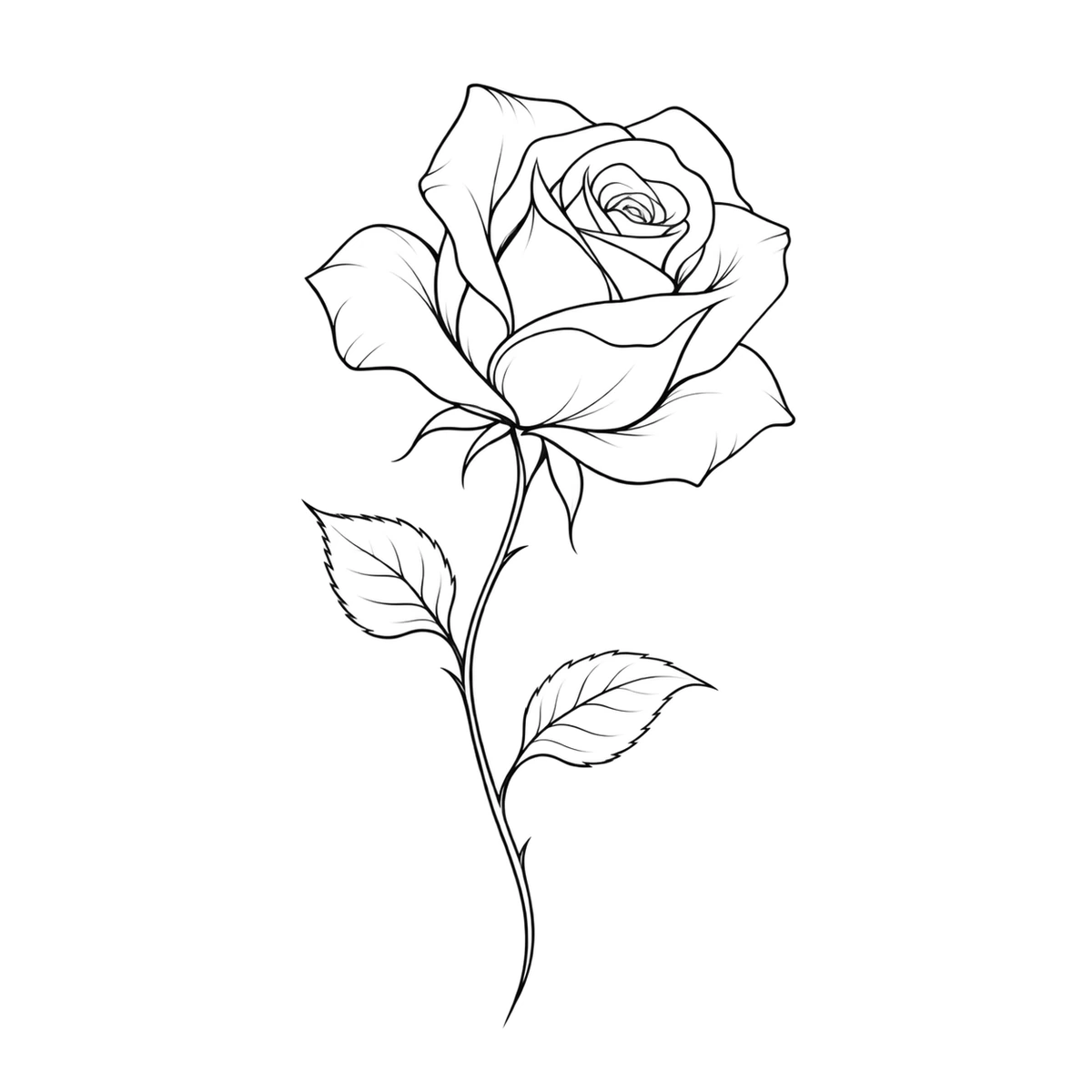
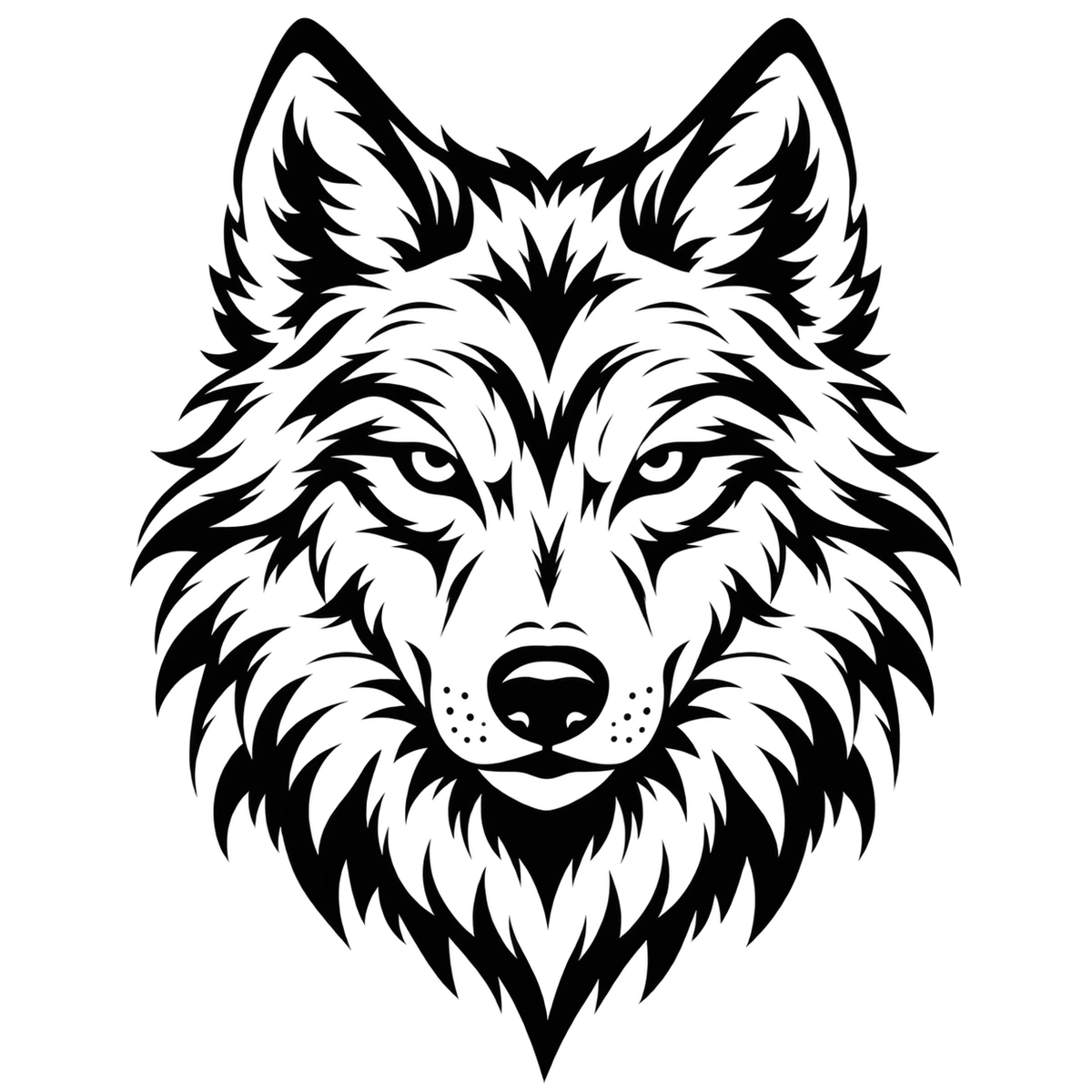
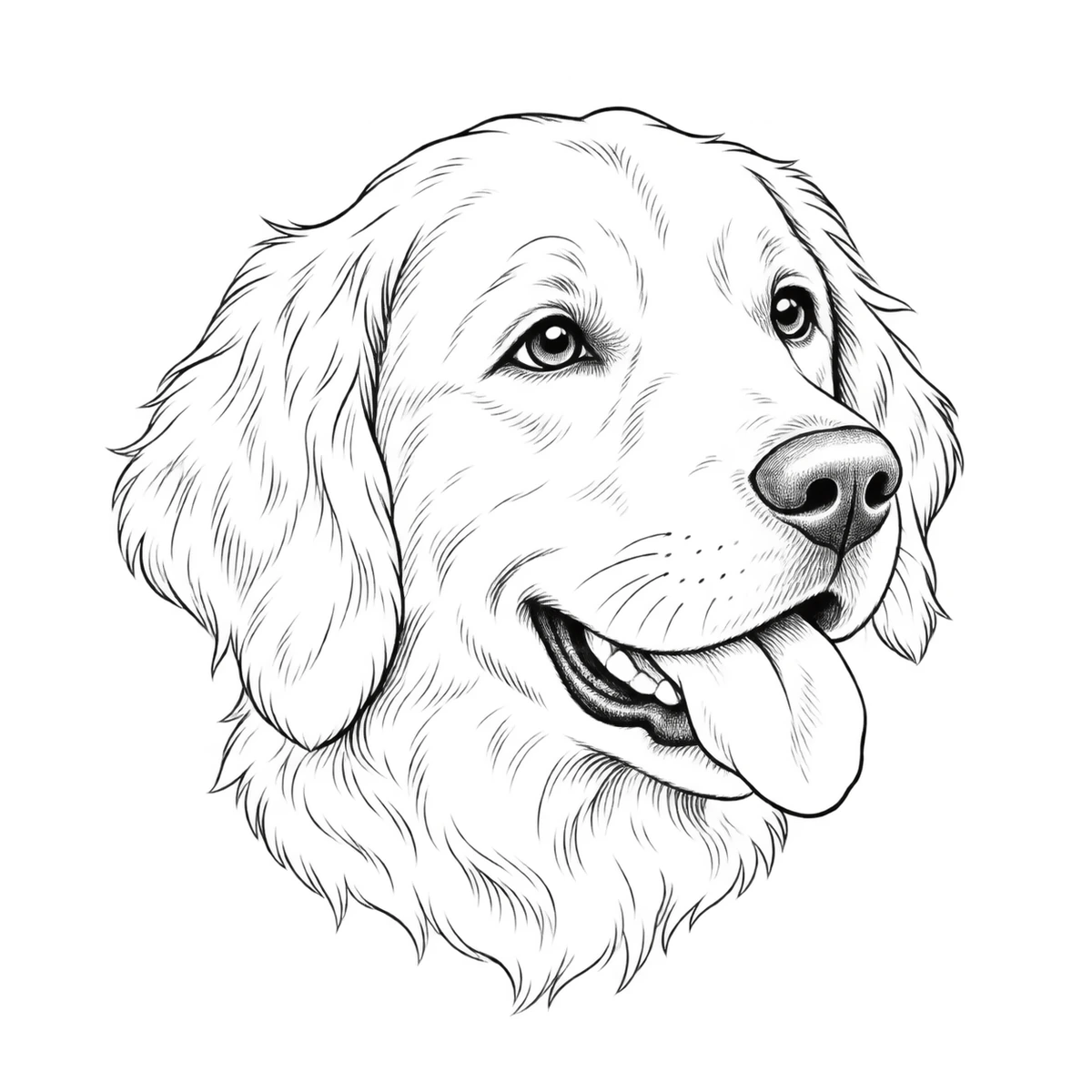
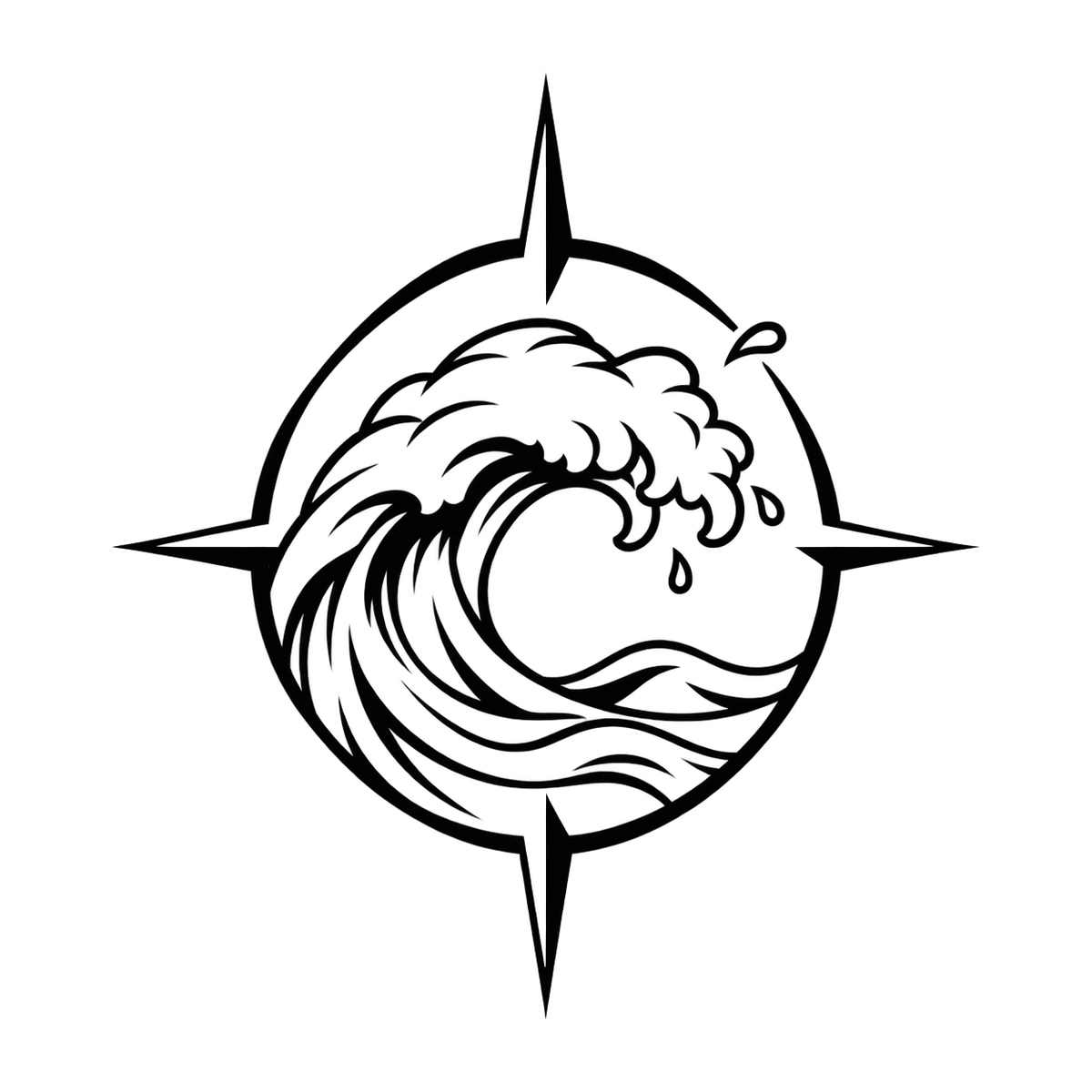
Running your photo through a photo to tattoo generator lets you test 4 focused styles—Fine Line, Black & Grey, Minimalist Portrait, and Traditional—so you walk into your consultation knowing what direction you want.
Can a tattoo artist copy a picture directly?
Even realism specialists redraw and adapt photographs rather than copying every pixel, because skin curves, heals, and softens fine details over time. Tiny facial features or dense fur patterns need deliberate contrast and enough physical size to stay recognizable years later—always confirm final scale with your tattoo artist.
Stick to photos you own or have permission to use, such as your own pet or family snapshots. Bringing another tattoo artist's finished piece for direct copying is widely frowned upon in studios; use reference art to communicate mood, not to duplicate someone else's tattoo.
Which photos convert cleanly with a picture to tattoo converter?
Sharp, evenly lit photos with clear separation between the subject and background convert far more cleanly than dim, zoomed-in phone shots. Use the guide below to pick a strong source photo before spending a credit.
| Photo Subject | Styles That Translate Cleanly | Photo Tips Before Upload | What to Confirm With Your Artist |
|---|---|---|---|
| Pet portrait | Fine Line, Black & Grey, Minimalist Portrait | Eye-level shot in daylight with visible eyes and ear edges | Confirm enough size so eyes and whiskers do not blur together |
| People & family moments | Minimalist Portrait, Fine Line, Black & Grey | Clear posture and distinct lighting without heavy face shadows | Ask whether a clean line silhouette or larger shaded piece fits your spot |
| Flowers, places, keepsakes | Fine Line, Traditional, Black & Grey | Simple background and sharp focus on the main object | Check which background clutter should be dropped for cleaner skin flow |
| Handwritten notes or drawings | Fine Line (or use the free browser Stencil Maker) | Flat overhead photo with zero glare or paper folds | Verify spelling and stroke thickness before your appointment |
How do I turn a photo into a tattoo reference on InkHalo?
Conversion uses the same credit model as every other AI feature on InkHalo: 1 free 1024px watermarked preview after sign-in, then 1 credit per render with never-expiring Starter ($9.99 / 30 credits) or Plus ($19.99 / 100 credits) packs.
- 1Sign in and choose a crisp, well-lit photo where your subject fills most of the frame.
- 2Select one of the 4 tattoo styles (Fine Line, Black & Grey, Minimalist Portrait, or Traditional) and start the render.
- 3Wait for processing (41-second median and up to 89 seconds across 40 tests on November 25, 2026); any failed job refunds its credit automatically.
- 4Download your high-resolution private reference, or open it directly in the free body placement simulator to check size before emailing your artist.
Frequently asked questions
- Is the InkHalo picture to tattoo converter free to try?
- Signing in includes 1 free 1024px watermarked AI preview. Buying a one-time Starter ($9.99 for 30 credits) or Plus ($19.99 for 100 credits) pack unlocks the watermark-free high-resolution original and covers future renders at 1 credit each.
- What happens if my photo has a messy background?
- Cropping tightly around your pet, person, or object before uploading gives much cleaner artwork. Heavy background clutter can introduce unwanted lines that you will want your tattoo artist to simplify.
- How is turning a photo into tattoo art different from basic black-and-white line tracing?
- The picture to tattoo converter redraws your photograph into an artistic tattoo style—simplifying fur, light, and composition—while basic tracing converts existing contrast straight into pure black printing lines.
- How long does photo-to-tattoo conversion take, and what if it fails?
- In our 40-image test on November 25, 2026, renders took a median of about 41 seconds and up to 89 seconds. If a generation fails, your 1 credit is refunded automatically.
- Are my personal photos and generated designs kept private?
- Yes. Your uploaded reference photo and paid high-resolution outputs stay private to your account and are never added to a public gallery.
- Can I preview the converted tattoo on my own body right away?
- Yes. Send the finished reference directly to the body placement simulator to scale, rotate, and compare up to 4 placements locally for free, or run a 1-credit AI skin blend.